 Ledge
LedgemacOS 14+ · Apple Silicon
Your MacBook notch, made useful.
Music, files, timers and notes in a native panel that extends from the MacBook notch.
Use the vertical arrow keys, Page Up, Page Down, Home or End to browse the chapters.
Chapter 1 of 15: Your MacBook notch, made useful.
macOS 14+ · Apple Silicon
Music, files, timers and notes in a native panel that extends from the MacBook notch.

Ambient
The actual Ambient view expands around the physical notch.
Opening
Each scroll step drives the geometry in both directions.
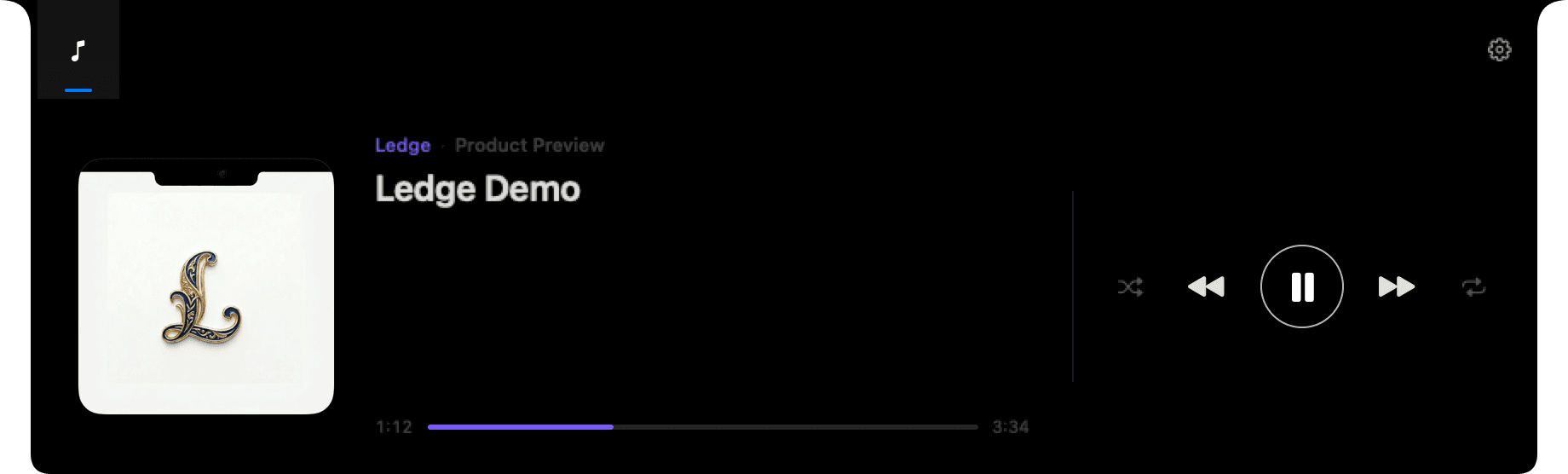
Panoramic
This image is rendered directly from Ledge's SwiftUI views.
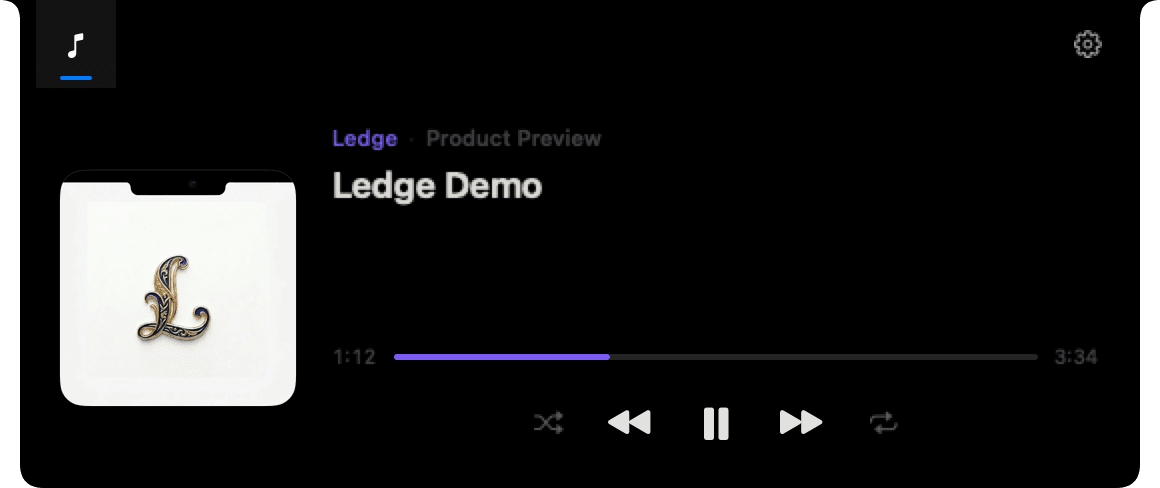
Focused
Controls recompose around the layout you choose.
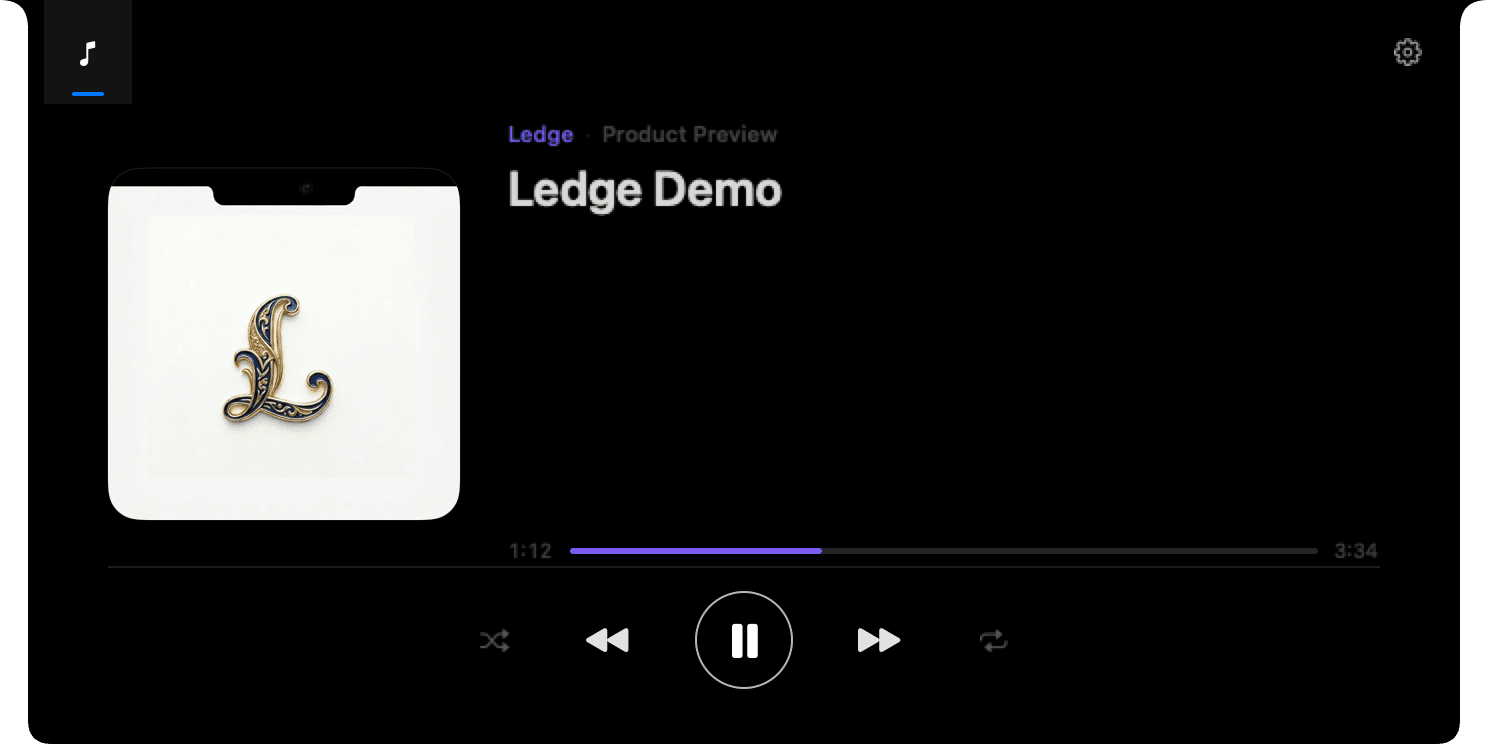
Immersive
The silhouette stays continuous with the notch and menu bar.
Closing
Scroll back up and the same sequence plays in reverse.
Seven native modules
Enable, hide and reorder every module. Every interface that follows comes directly from Ledge.
Media
Artwork, playback and progress without leaving the active window.
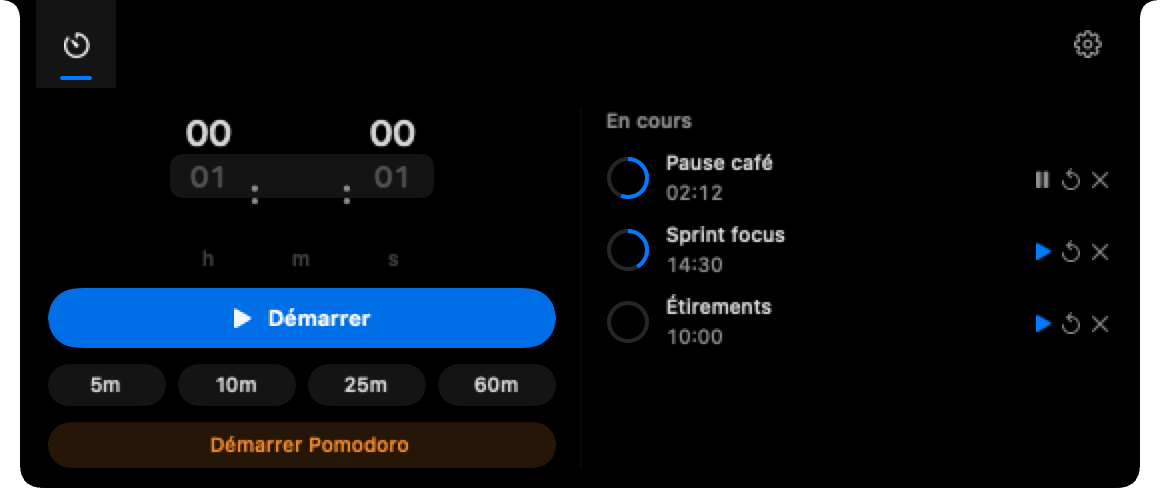
Timers
Timers, Pomodoro and a discreet countdown around the notch.
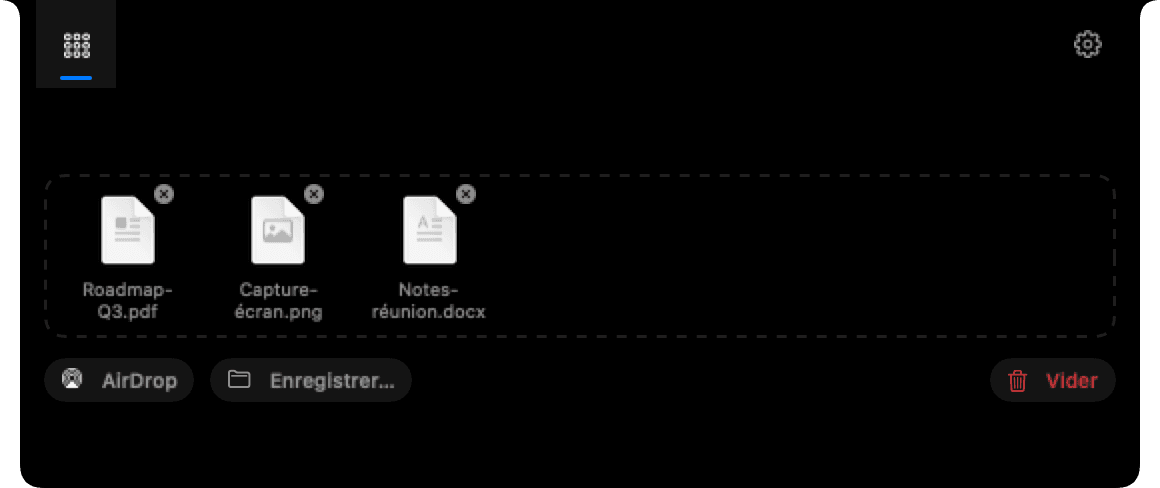
Drop Zone
A temporary shelf for moving files between apps.
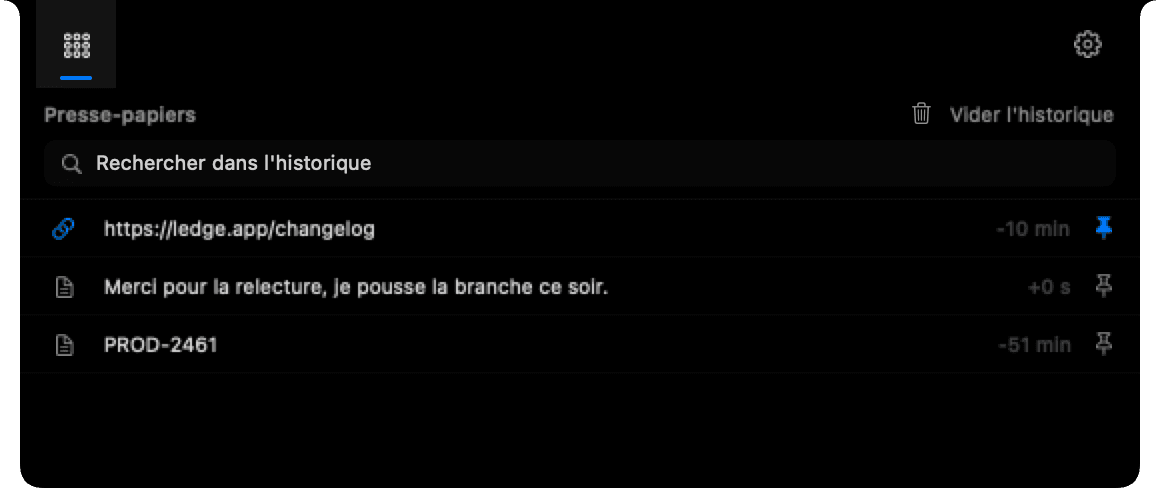
Clipboard
A local history you can search and pin.
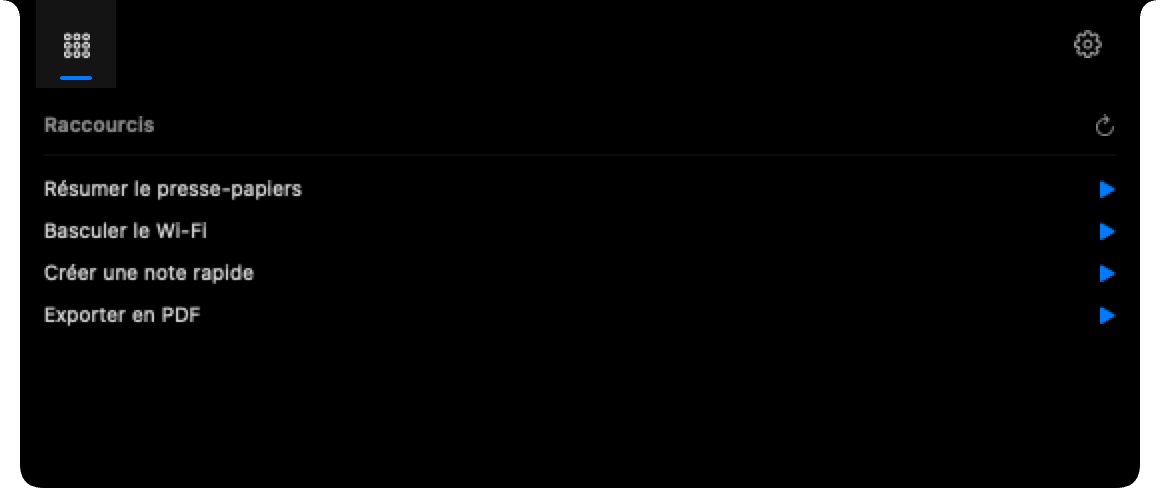
Shortcuts
Run Shortcuts.app shortcuts from the panel.

Calendar
See what's next without opening another window.
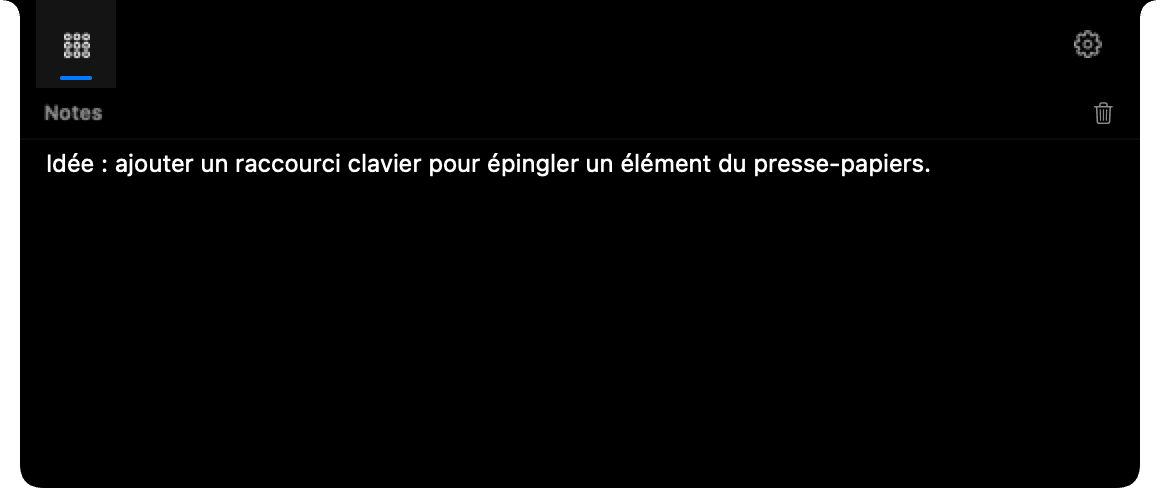
Notes
A local, immediate space for keeping a few words close by.
Ledge favors system events and stops disabled modules. Almost nothing runs when you are not using it.
Direct download from GitHub Releases. Built-in updates with Sparkle.
First launch
Ledge is distributed directly and is not notarized by Apple. After the first launch attempt, open System Settings → Privacy & Security, then choose “Open Anyway”.
View release history and checksumsCompatibility, permissions, privacy and distribution: the essential answers, without fine print.
No. The source code is publicly visible for transparency and portfolio purposes, but remains proprietary. Copying, modifying, distributing or reselling it requires written permission.
Accessibility to replace the volume and brightness HUD, Automation for Apple Music position and artwork plus Spotify artwork as a fallback, Calendar to show the next event, and Notifications when a timer ends. Each feature degrades gracefully if permission is denied.
Apple Silicon and macOS 14 or later. The experience is designed for notched MacBooks, with a display mode adapted to external screens.
Your content stays on your Mac and Ledge includes no telemetry. Only requests required for updates and selected third-party services, such as loading Spotify artwork, leave the device. Full details are available in the privacy policy.
Ledge relies on private frameworks and low-level system permissions for media and the HUD. It is therefore distributed directly from this site rather than through App Store review.
Ledge is not notarized by Apple. Try opening it once, then go to System Settings → Privacy & Security and click “Open Anyway”. This approval is requested only once for that version of the app.